
If you’re thinking about moving from Wix to WordPress, you’re not alone. Many businesses start with Wix because it’s quick to set up and easy to use. As their business grows, though, they often run into limitations that make WordPress a better long-term fit.
The good news is that moving to WordPress is absolutely possible. The process isn’t a one-click migration, but with a little planning, you can make the switch without losing your domain, your content, or the search engine visibility you’ve already built.
Why People Move Away from Wix
Wix is a great platform for many businesses, especially those launching their first website. It lets you get online quickly without needing technical knowledge.
Over time, however, many business owners want more flexibility. Common reasons for switching include:
- More control over the design
- Better SEO tools and flexibility
- Thousands of WordPress plugins and integrations
- Easier expansion as the business grows
- Greater control over hosting and website ownership
If your current website feels like it’s fighting against what you’re trying to accomplish, it may be time to consider a move.
What Can Be Moved?
The good news is that much of your website can come with you.
Typically, you can preserve:
- Written content
- Images
- Blog articles
- Your domain name
- Basic SEO information
Exactly how much transfers depends on how your Wix site was built and how much customization it contains.
What Usually Has to Be Rebuilt?
The downside: your Wix design doesn’t transfer to WordPress. There is no export/import option.
Instead, the new website is usually rebuilt using a WordPress theme and blocks or a page builder. While that sounds like extra work, it’s often an opportunity to improve the site rather than simply copy it.
This allows you to:
- Modernize the design
- Improve navigation
- Speed up the website
- Make the site easier to update in the future
Many businesses discover they end up with a much better website than they had before.
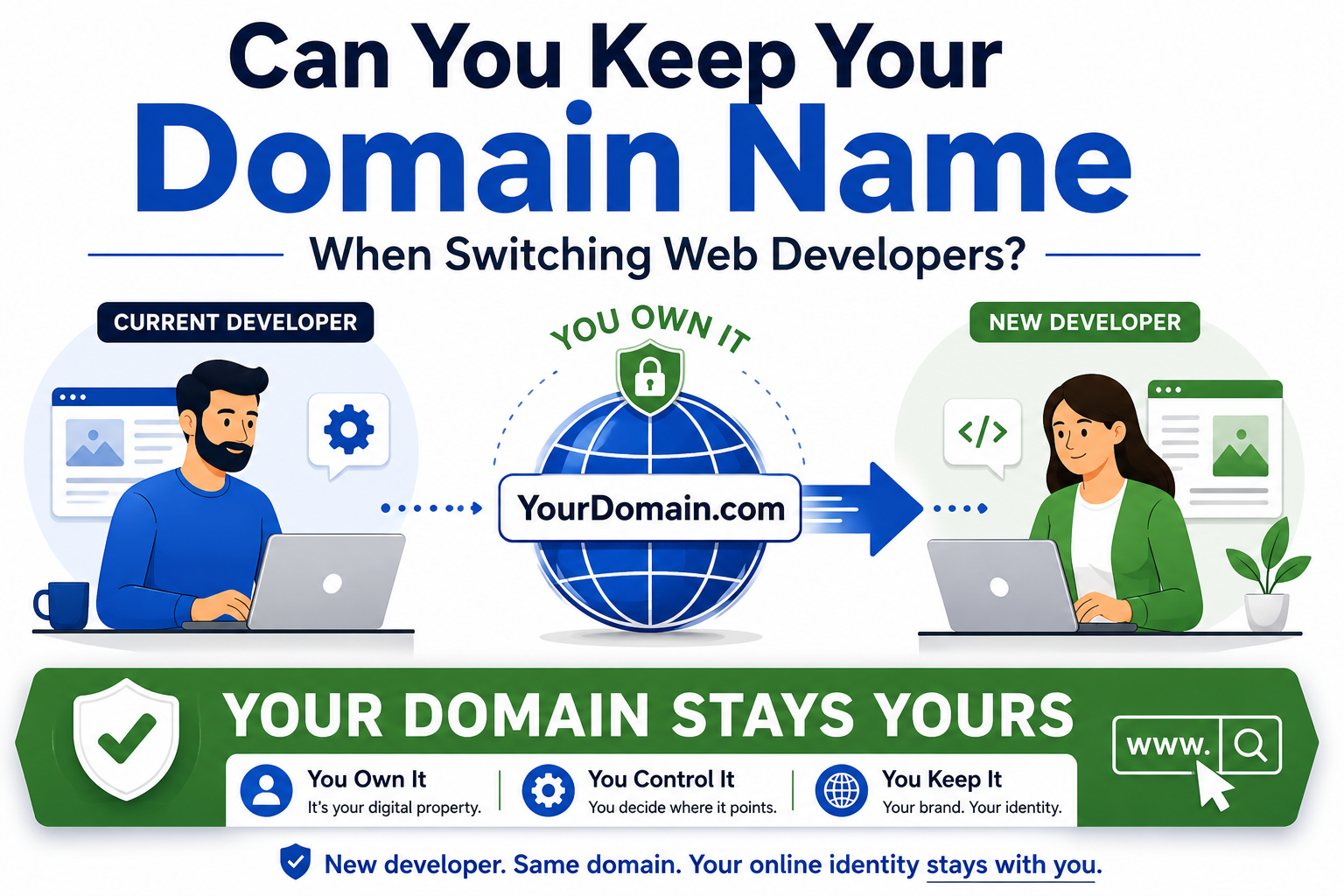
Will I Lose My Domain?
Usually, no.
Your website and your domain name are two different things. Think of your domain as your street address and your website as the building sitting on the property.
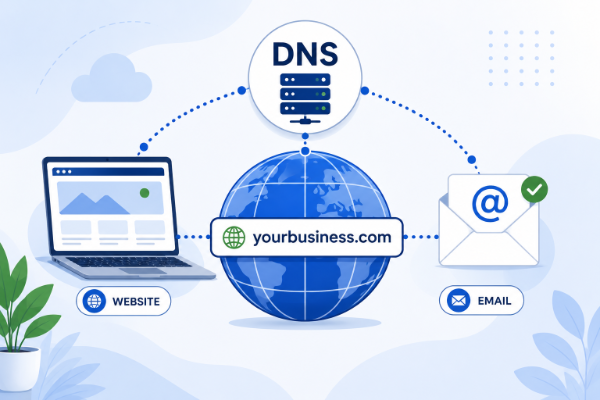
Whether your domain is registered through Wix or another registrar like GoDaddy, it can typically stay exactly where it is or be transferred elsewhere. The important part is updating the DNS so visitors are directed to the new WordPress website.
If done correctly, your customers won’t even notice the change.
What About Google Rankings?
This is probably the biggest concern I hear. The short answer is that moving to WordPress does not automatically hurt your SEO. What matters is how the migration is handled.
To protect your search rankings, it’s important to:
- Keep page URLs the same whenever possible
- Set up redirects for pages that move
- Preserve page titles and meta descriptions
- Submit an updated sitemap to Google
- Verify everything works before making the site live
A carefully planned migration can preserve the SEO you’ve already earned while giving you a stronger foundation for future growth.
Should You Migrate or Start Fresh?
Sometimes rebuilding the website is actually the better option.
If your current site is several years old, has outdated content, or no longer reflects your business, rebuilding can be faster and produce a better result than trying to recreate every page exactly.
The goal isn’t to duplicate your old website. The goal is to create a website that serves your business better for the next several years.
Is WordPress Right for Everyone?
Not necessarily. If your Wix website meets your needs and you’re happy with it, there may be no reason to switch.
But if you’re finding yourself limited by design options, functionality, SEO, or long-term flexibility, WordPress is worth serious consideration.
The platform powers a significant portion of the web for a reason. It offers flexibility that grows with your business instead of forcing your business to fit within the platform.
Final Thoughts
Moving from Wix to WordPress isn’t as intimidating as it first appears.
With proper planning, you can keep your domain, preserve your content, protect your search rankings, and end up with a website that’s easier to manage and better equipped for future growth.
If you’re considering making the switch and aren’t sure where to begin, I’d be happy to take a look at your current website and offer some honest advice. Sometimes migrating makes sense, and sometimes staying with Wix is the better choice.